
A blog post accounting the full process for the final Fedora 45 wallpapers! 😱🤩✨
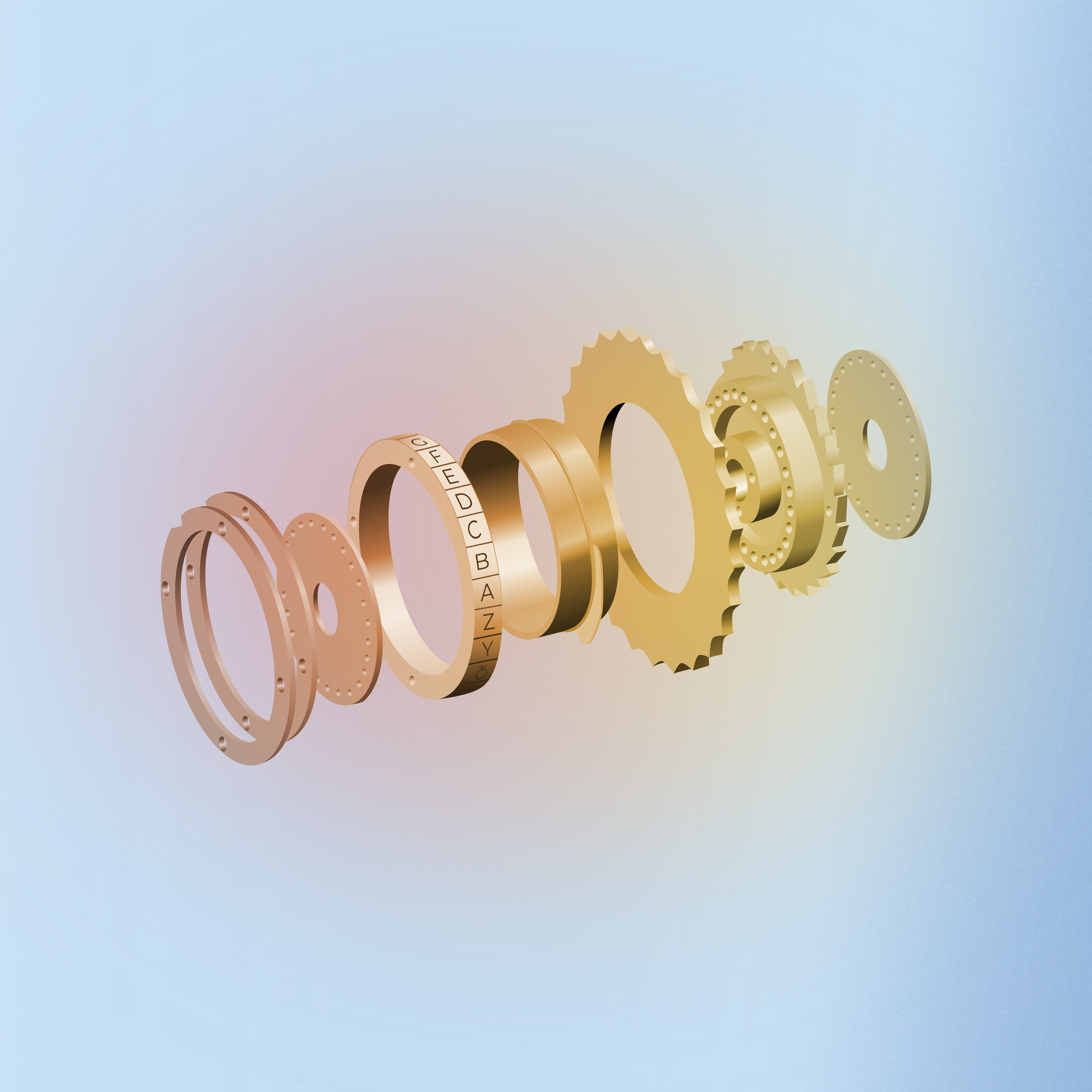
The final day F45 wallpaper at 96 dpi (However the actual wallpaper is 300 dpi)
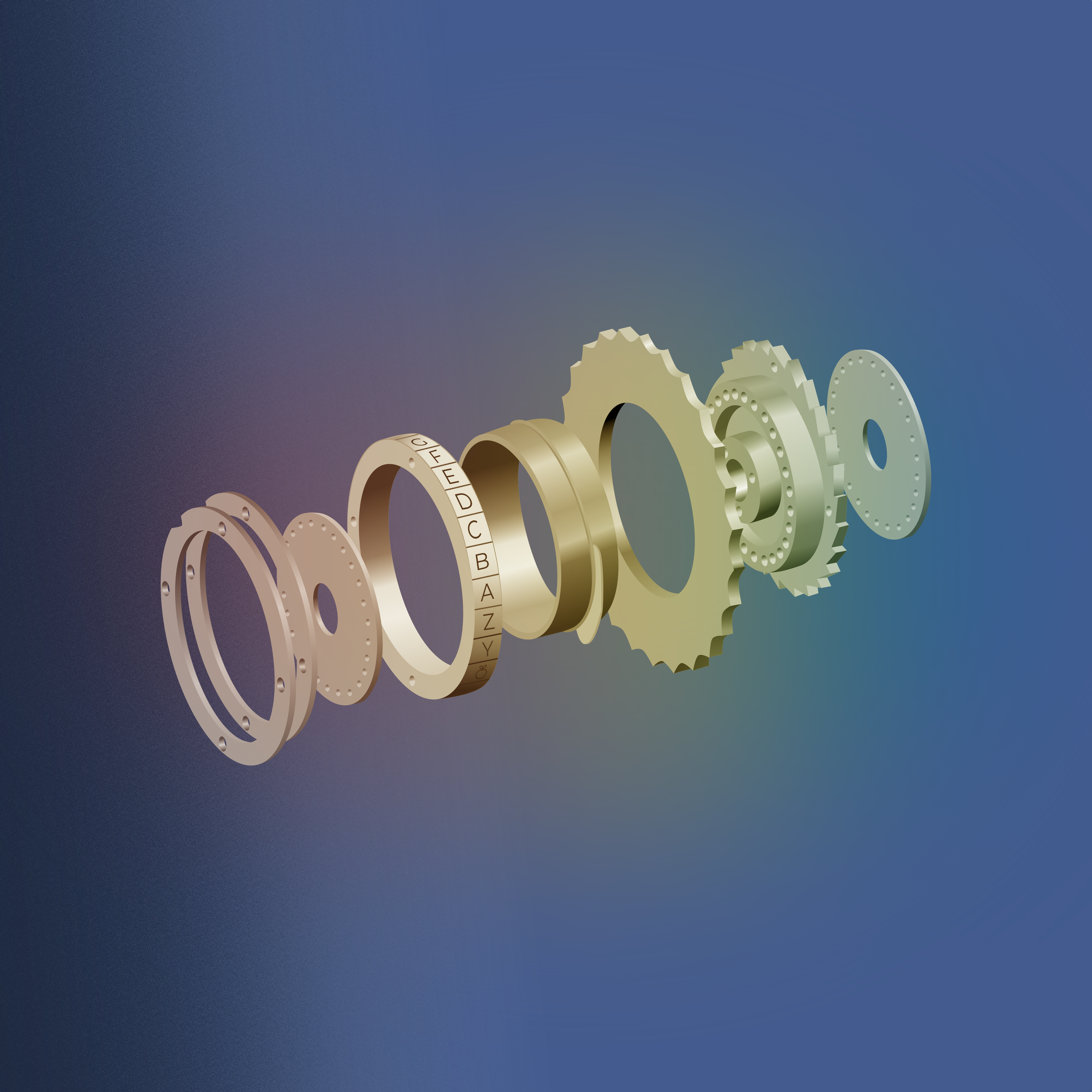
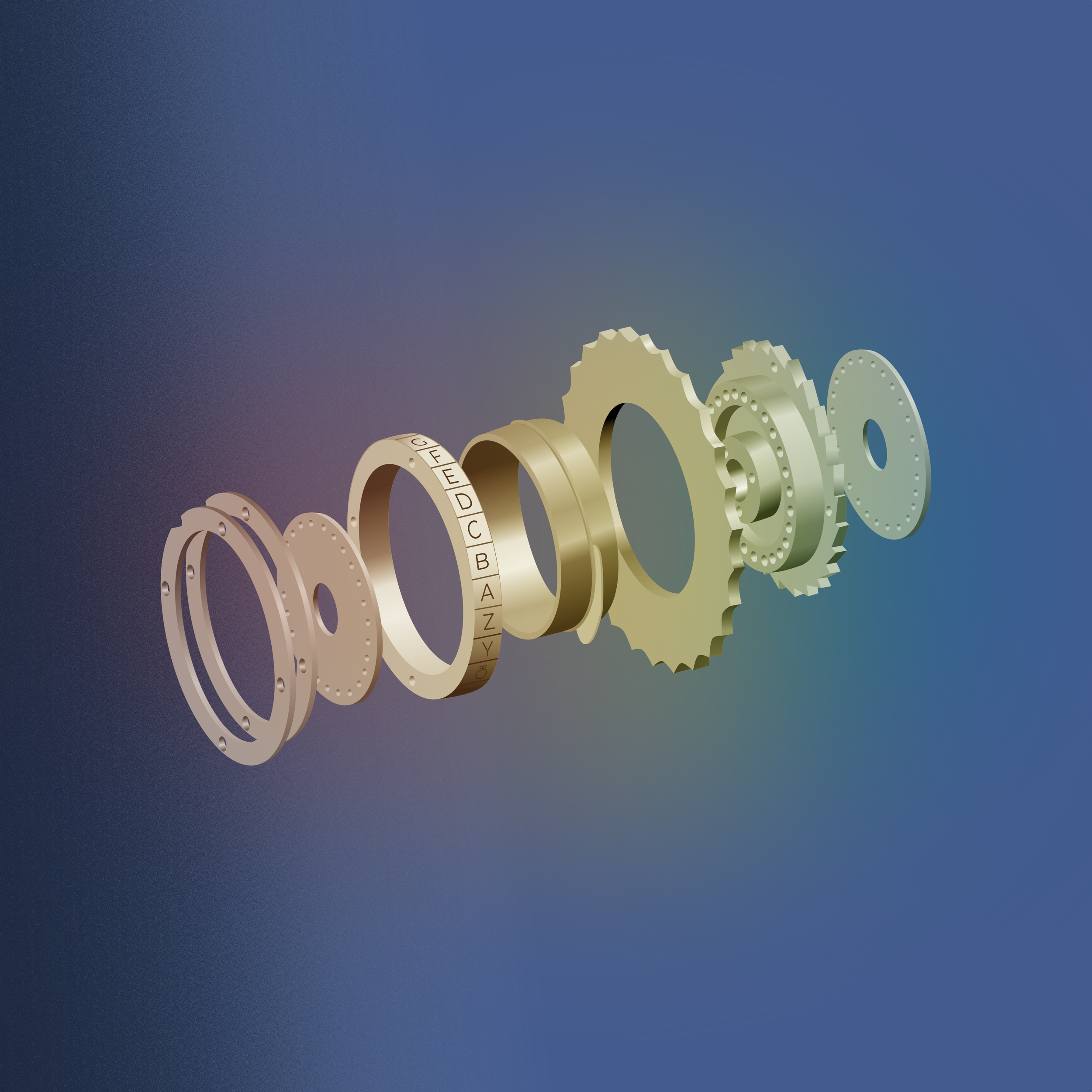
The final night F45 wallpaper at 96 dpi (However the actual wallpaper is 300 dpi)
If you’re not a blog post person, then you can always see the process documented on the F45 ticket here.
The first step involves a list of people or topics in STEM that the community can vote on. We chose among people whose last names start with T, since we’ve followed the alphabet for the past 18 wallpapers. The vote took place here on Fedora Discussions, resulting in our winner Alan Turing!
Alan Turing
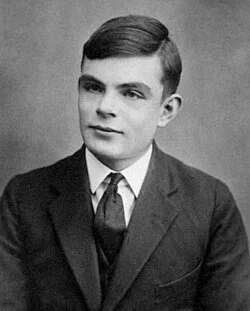
Alan Turing (June 23, 1912 – June 7, 1954) was an English mathematician, computer scientist, logician, cryptanalyst, philosopher, and theoretical biologist.
He was highly influential in the development of theoretical computer science, providing a formalization of the concepts of algorithm and computation.
Turing is widely considered to be the father of theoretical computer science.
He was prosecuted for being gay in the 1950’s two years before his death.
Mind Map
After Turing was elected as our inspiration, we held a mind-map brainstorming session delving into his career and exploring visuals for the final wallpaper.
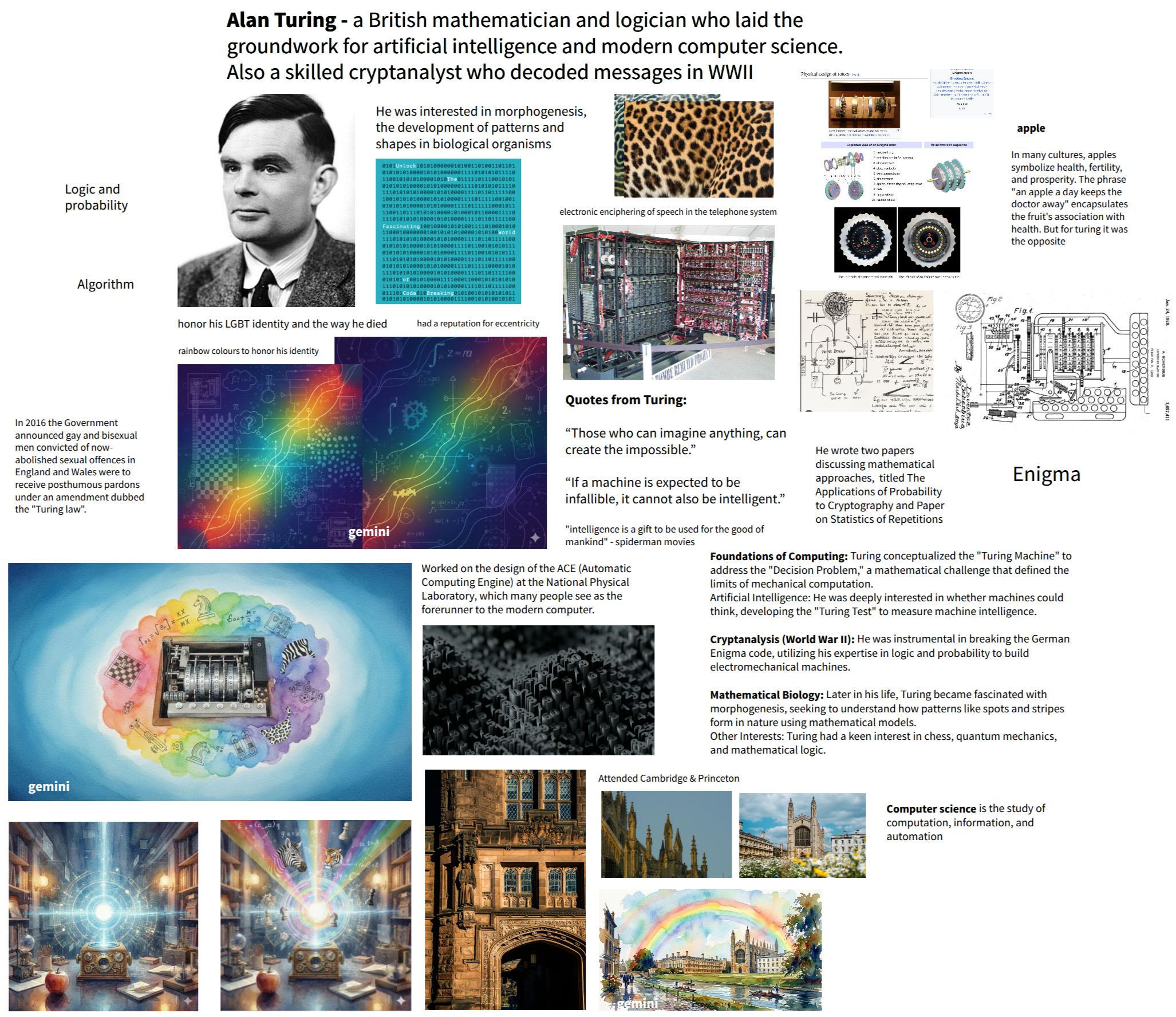
The mind map we created together in a design team meeting!
We explored three themes (you can read more in this blog post) including The “Enigma” Aesthetic, Morphogenesis (The Pattern of Life), and Light & Legacy.
References and Research
Once we knew a few directions we could go in based on Turing’s work, I started gathering reference photos of what he’s best known for; his work on the enigma machine.
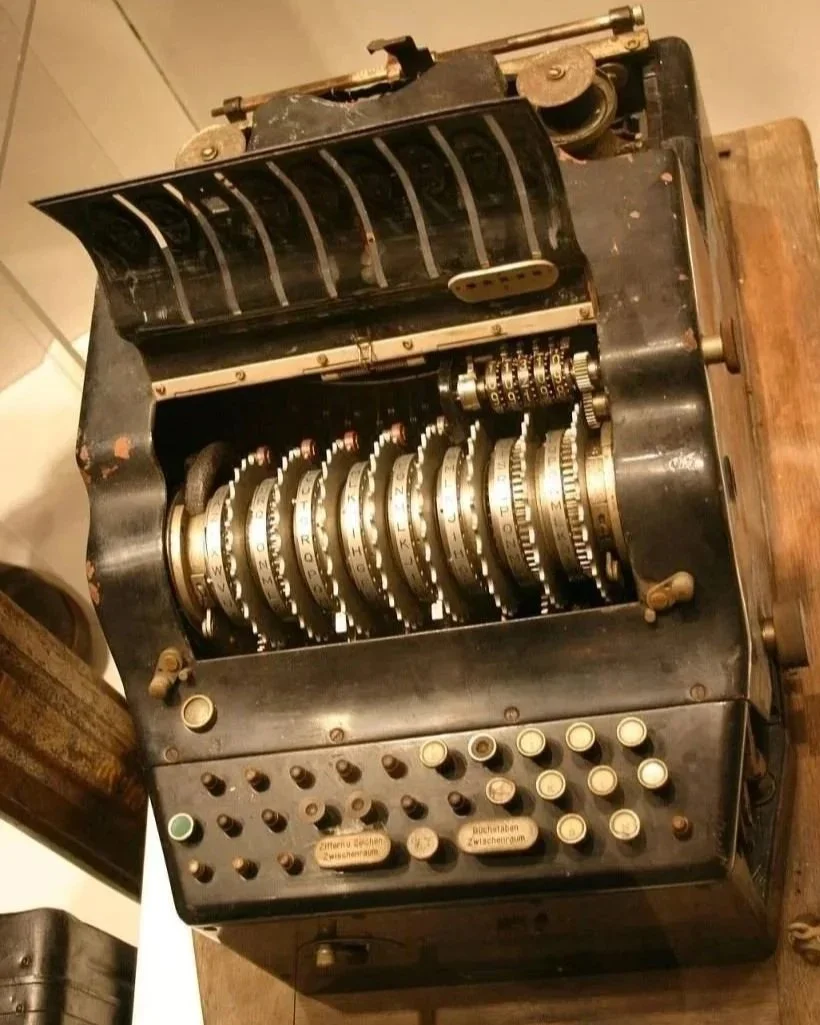
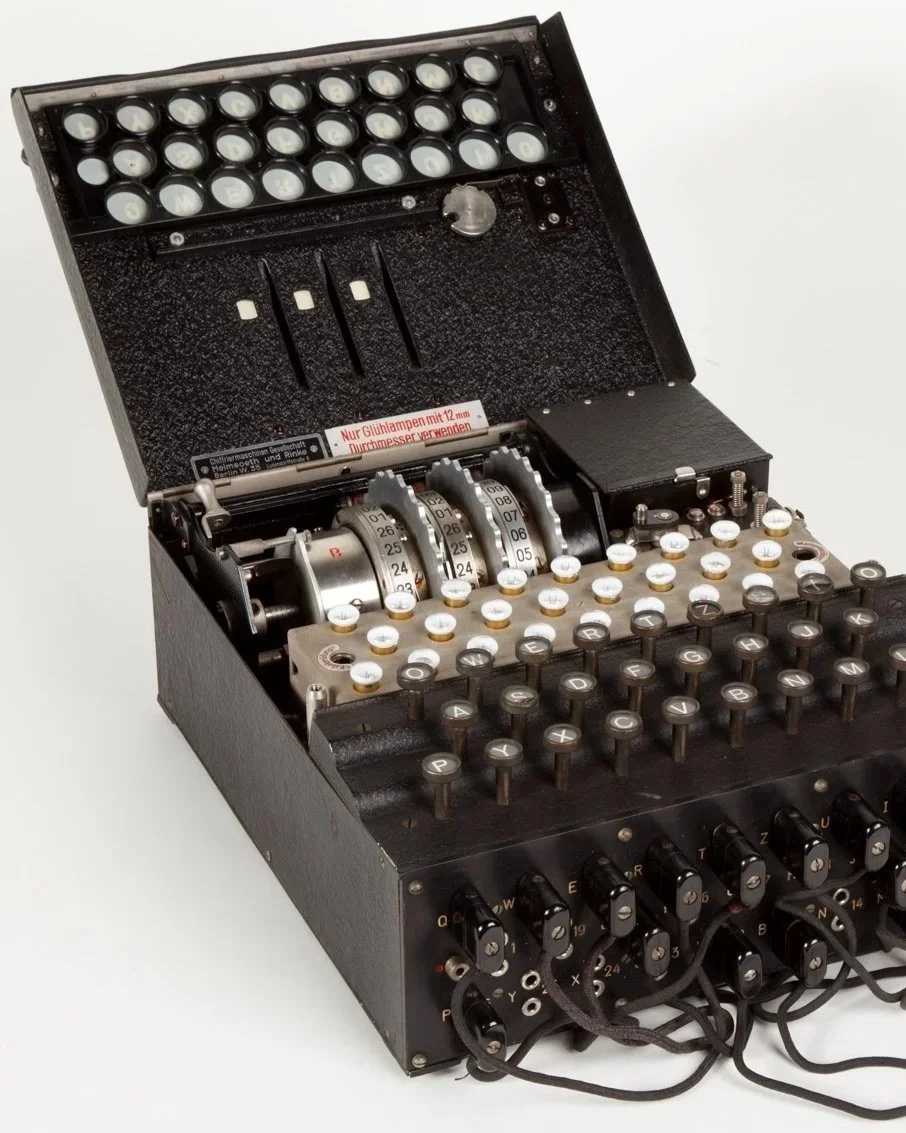
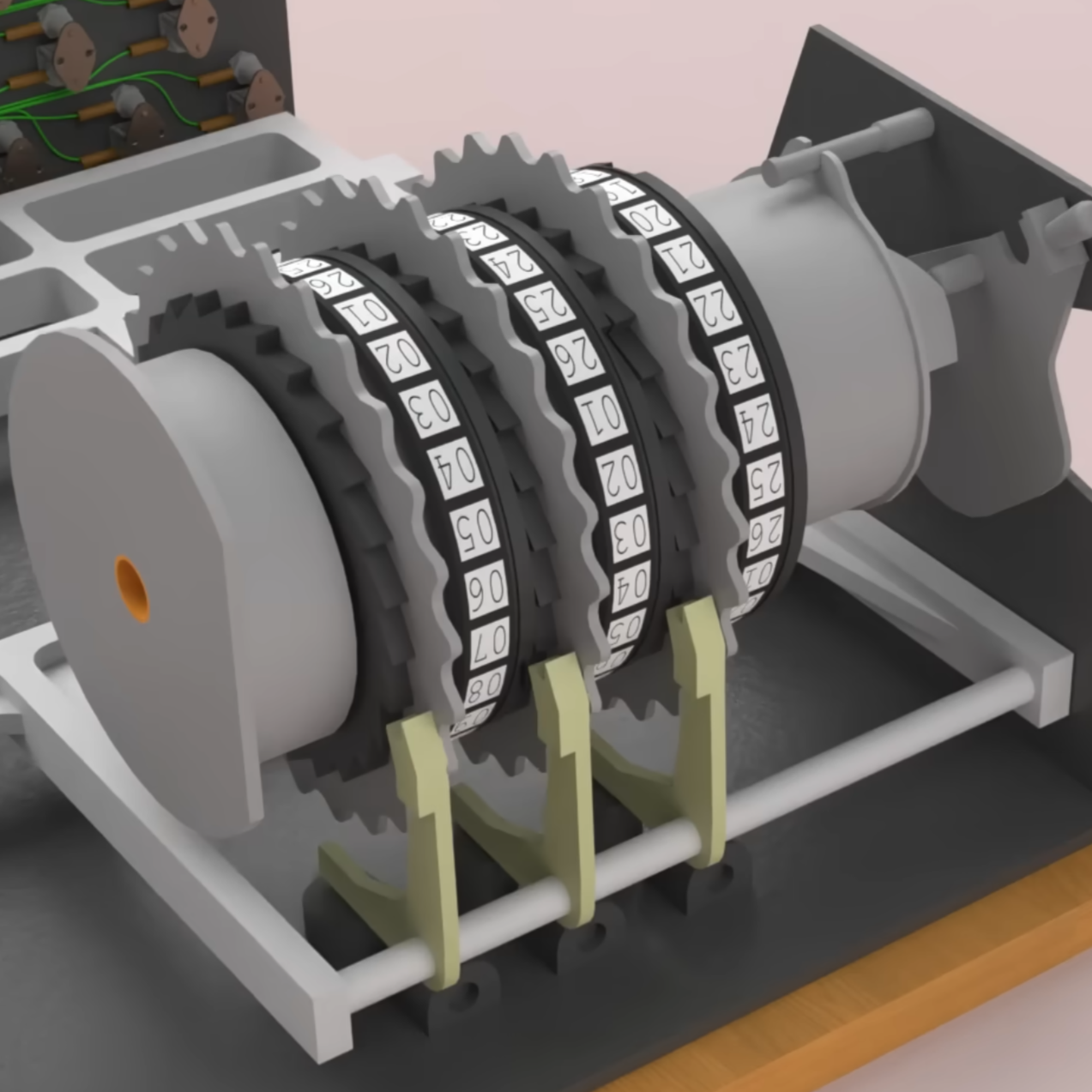
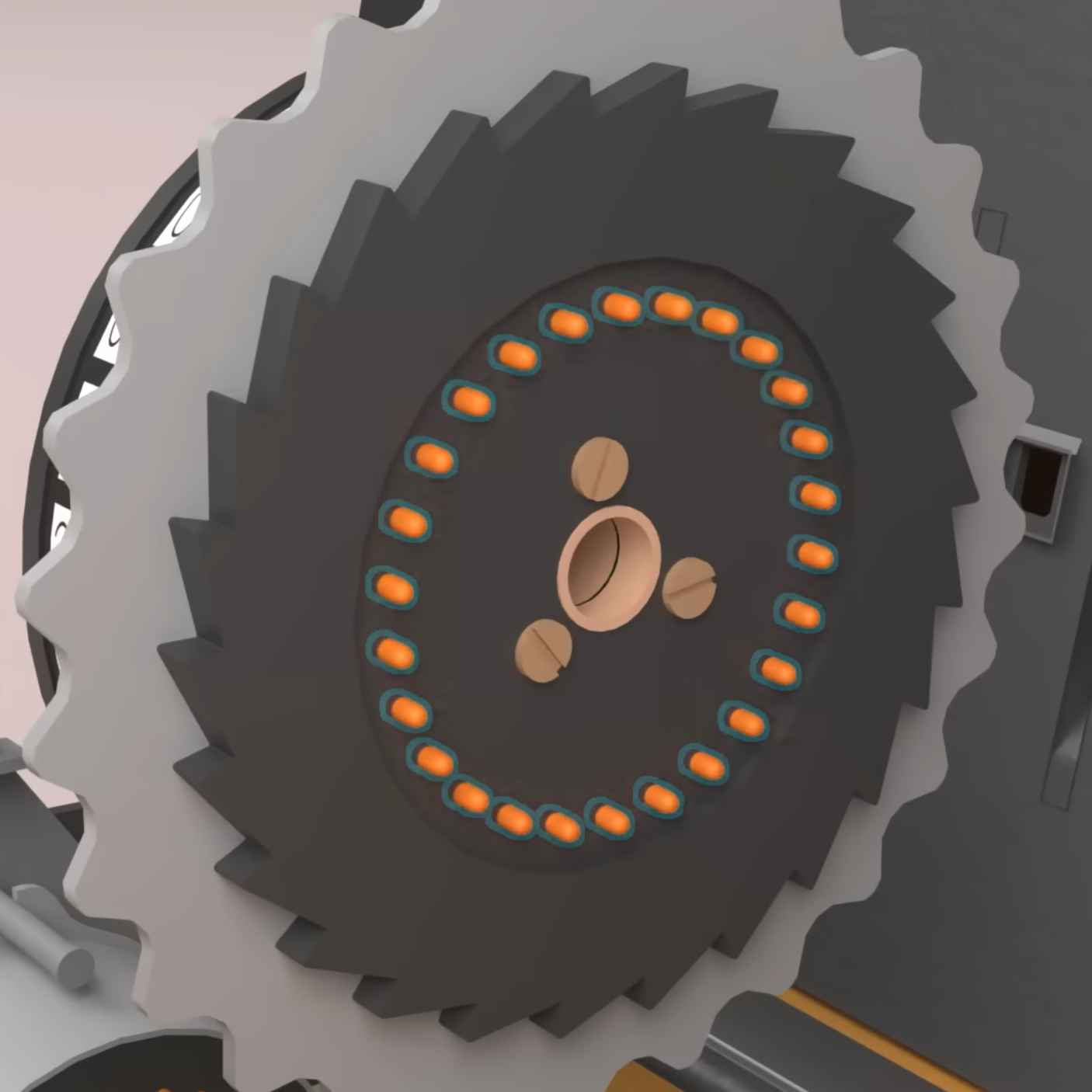
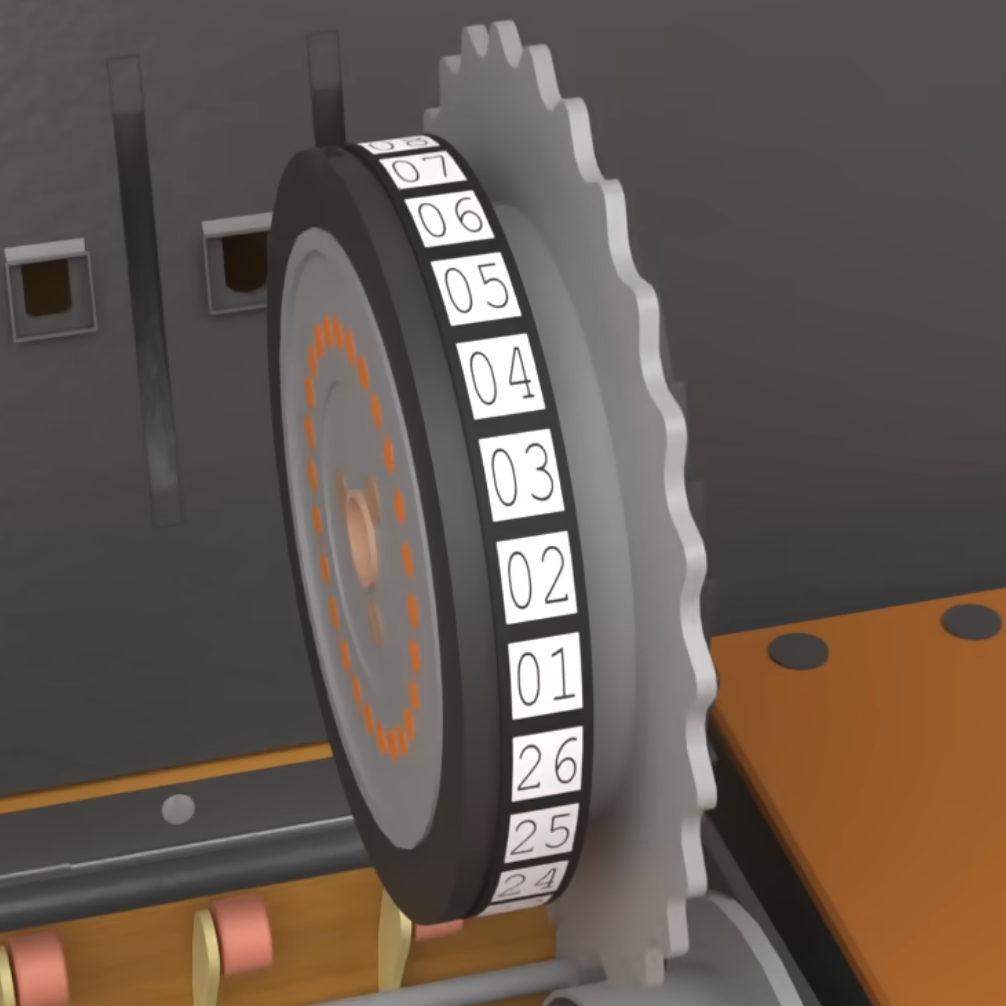
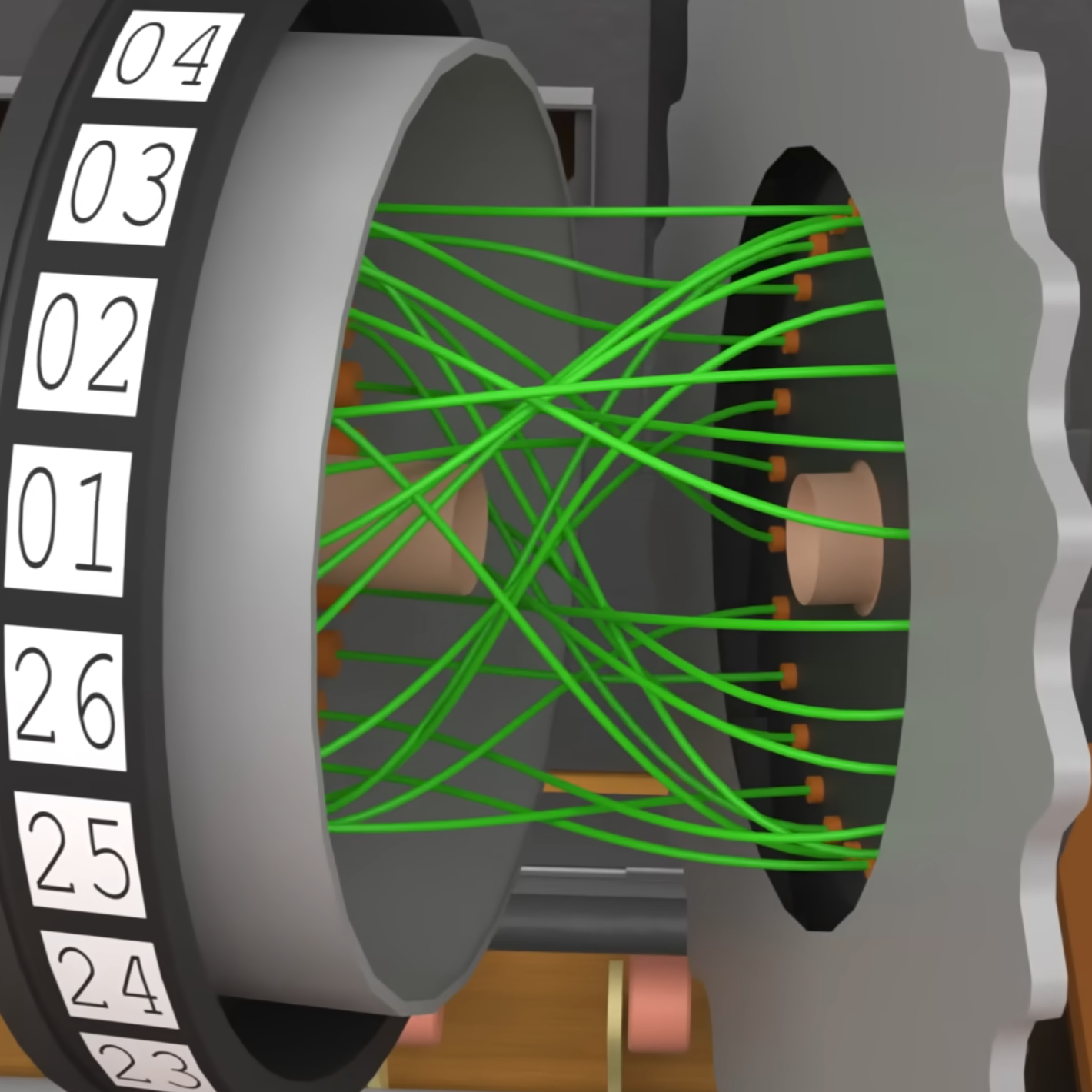
Enigma by itself is not the most visually compelling but I needed to know more about it so I could break it down and then build something back up.
An interesting article that gives some insight to how enigma works. I also found videos like this and this on youtube.
Obviously the visuals that explain how the machine works are more detailed, compared to what we ended up with.
Sketches and Drafts
Sketched and experimented with some different compositions and color ways. Also played around with how to make a simple subject of gears more visually interesting, including nods to Turing’s sexuality with rainbow light shining on the reflective metal.
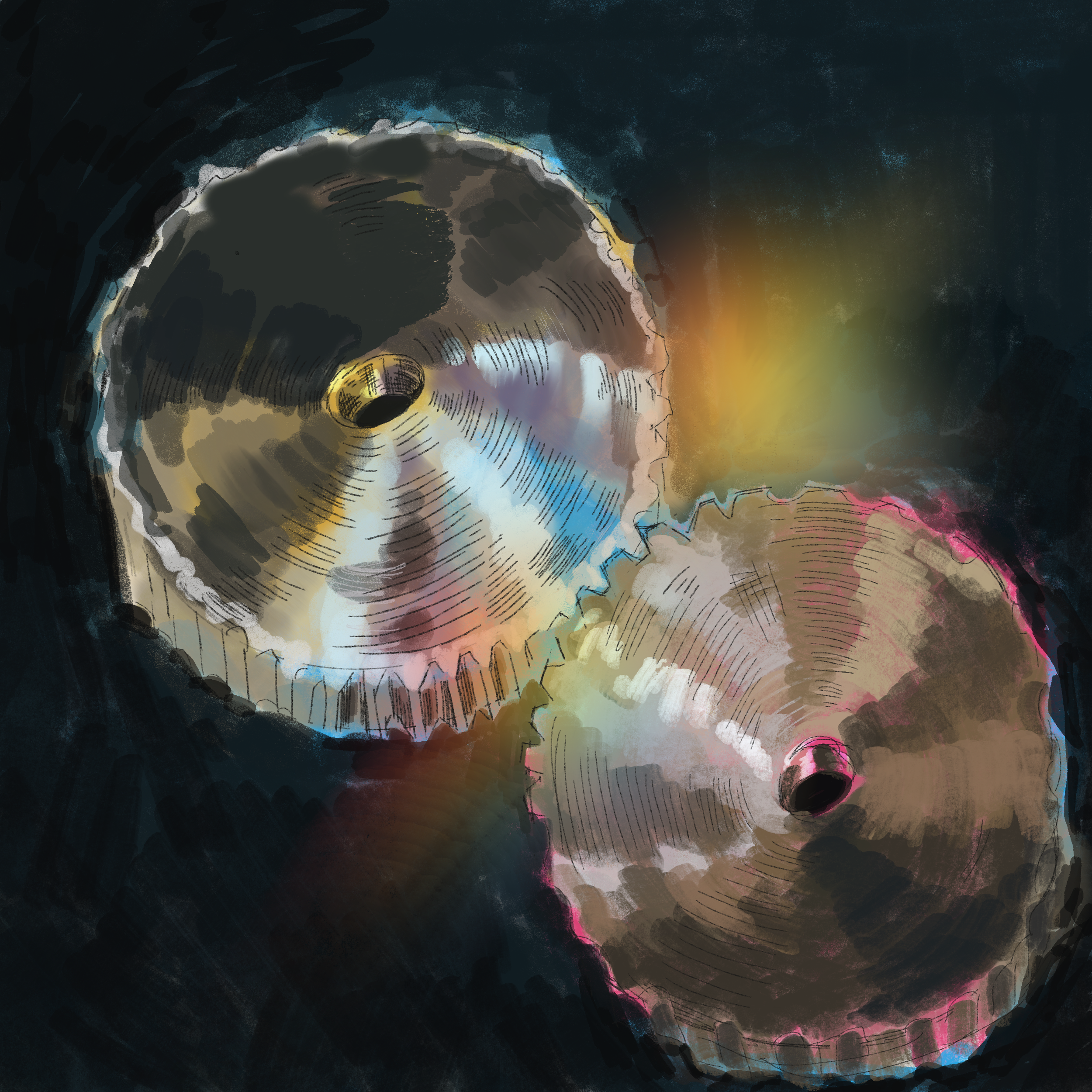
My first sketch in procreate to generate more ideas
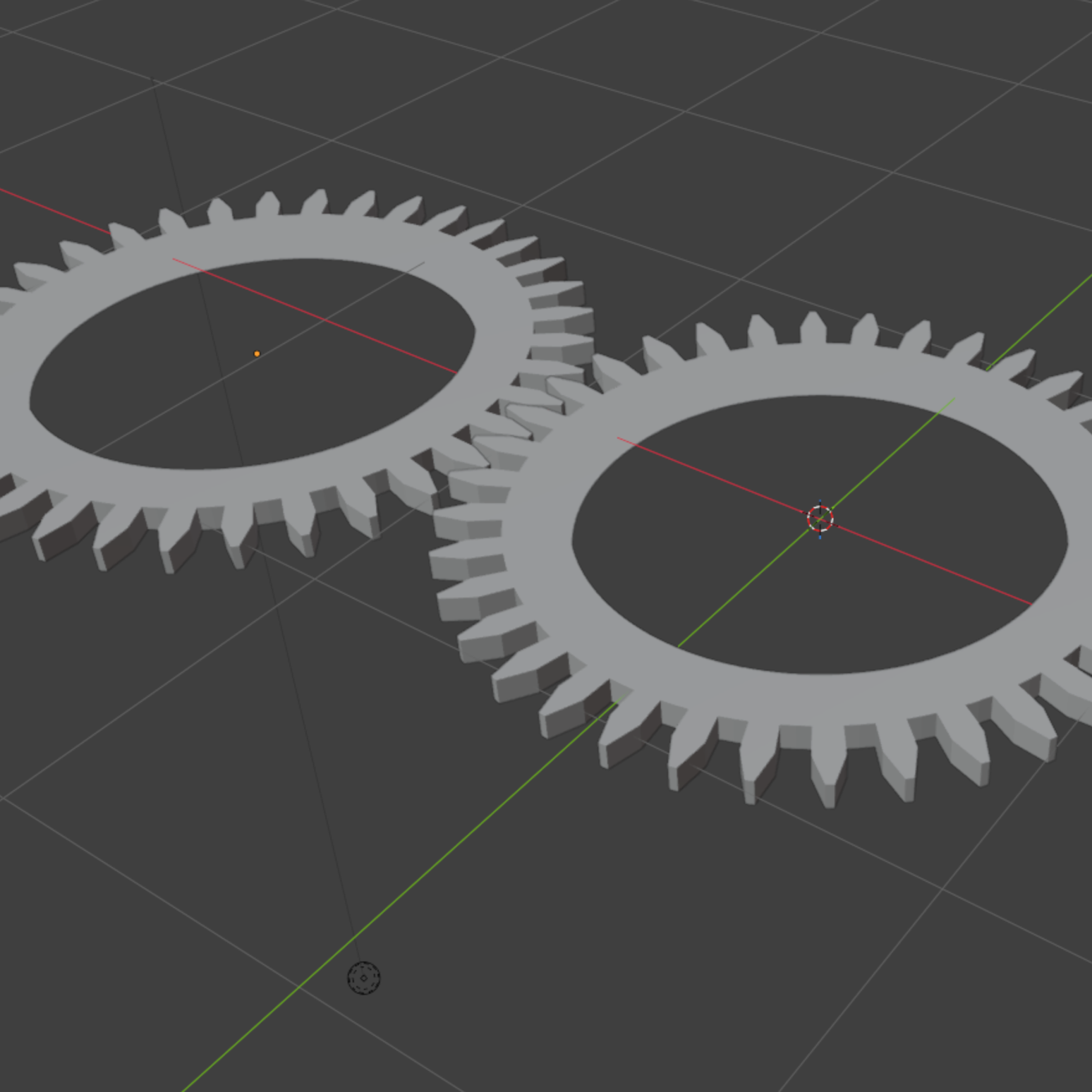
Figuring out how to render gears in Blender
Rough and Final Drafts
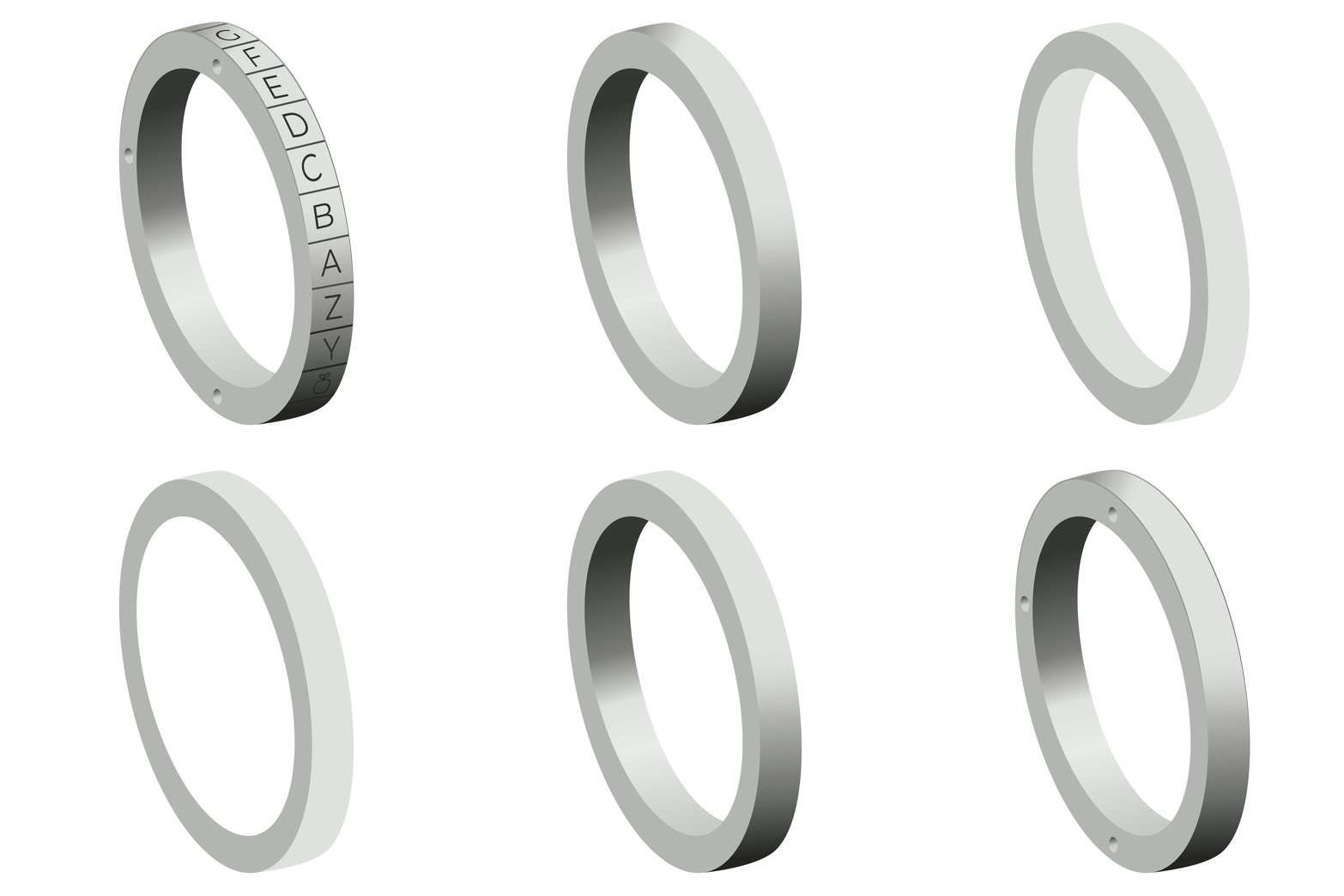
A gif that shows the separate layers of how I rendered the gears!
After gathering the references and research above, I felt like I could make gears accurate to the actual ones in the machine.
I started by simplifying the amount of elements to recreate. I eliminated the wires and decreased the amount of gears, to keep it from being too busy and distracting.
I played around with the roughs of the gears to figure out how they’d be spaced in the square composition.
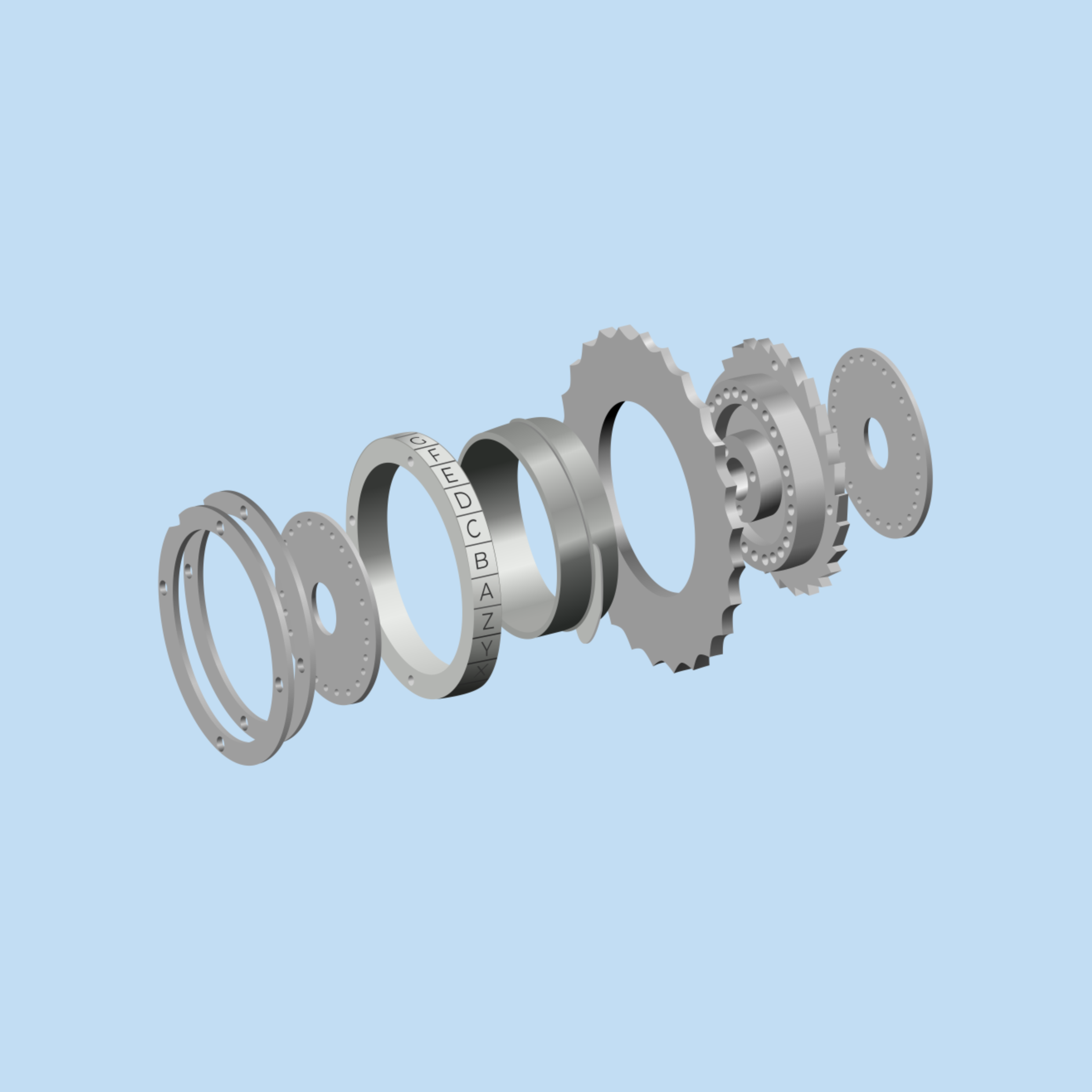
I decided to render the gears in grey-scale so I could make it easy to overlay different colors in the final drafts, and changed the numbers to letters to give a nod to Fedora.
While I would have loved to render this in Blender, I felt more confident that I could get the result I wanted with my skills in Inkscape. Plus who knows if my laptop would have had the power to render the size of the wallpaper 😆.
What Makes a Good Desktop Wallpaper (aka what I kept in mind when working on this)
✔️ High resolution
✔️ Clean composition
✔️ Simple details
✔️ Calming hues
The final rendered gears with a plain background below.
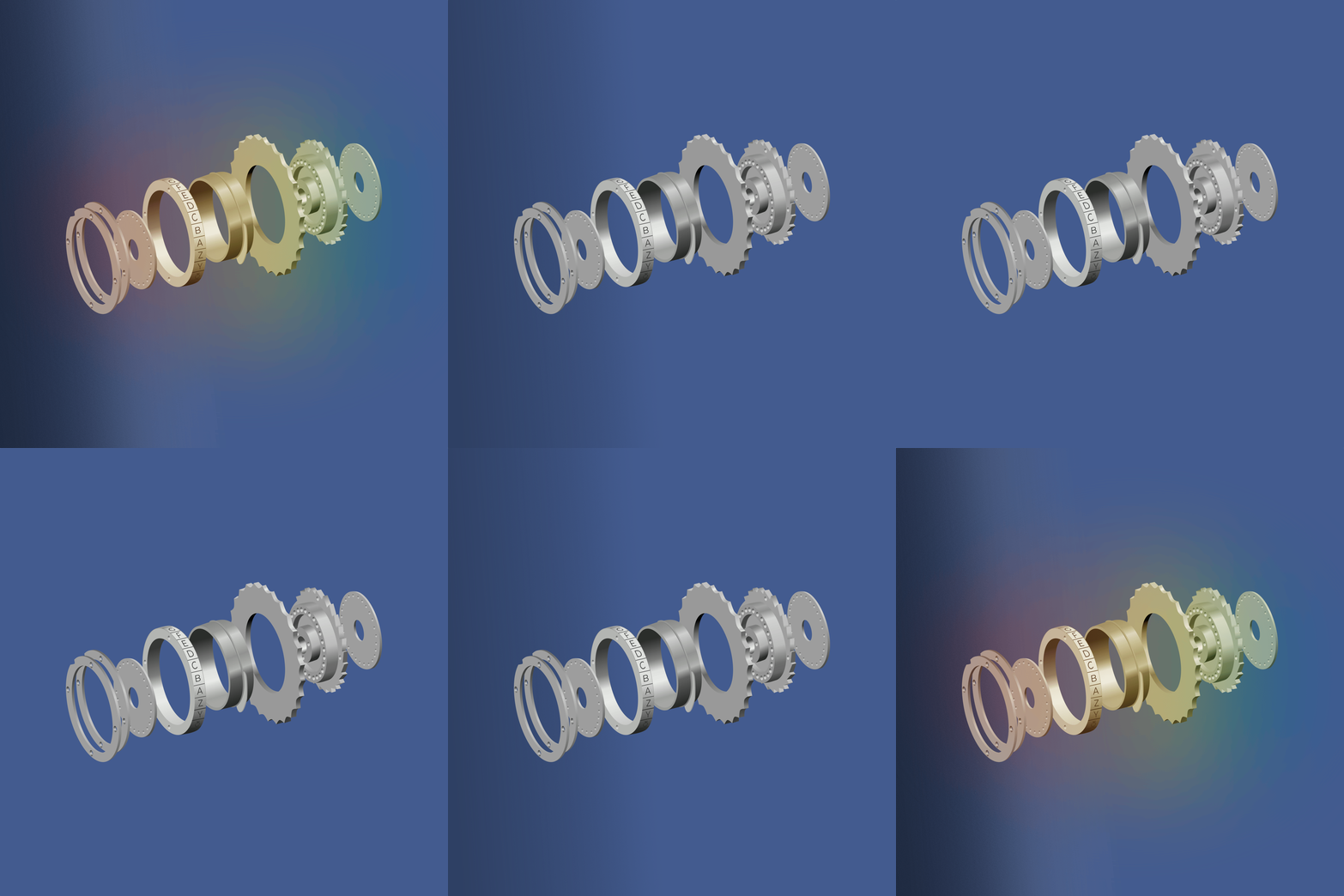
Changed the background color to a dark violet blue for the night version of the wallpaper. Added some overlays of texture and gradients which both added depth.
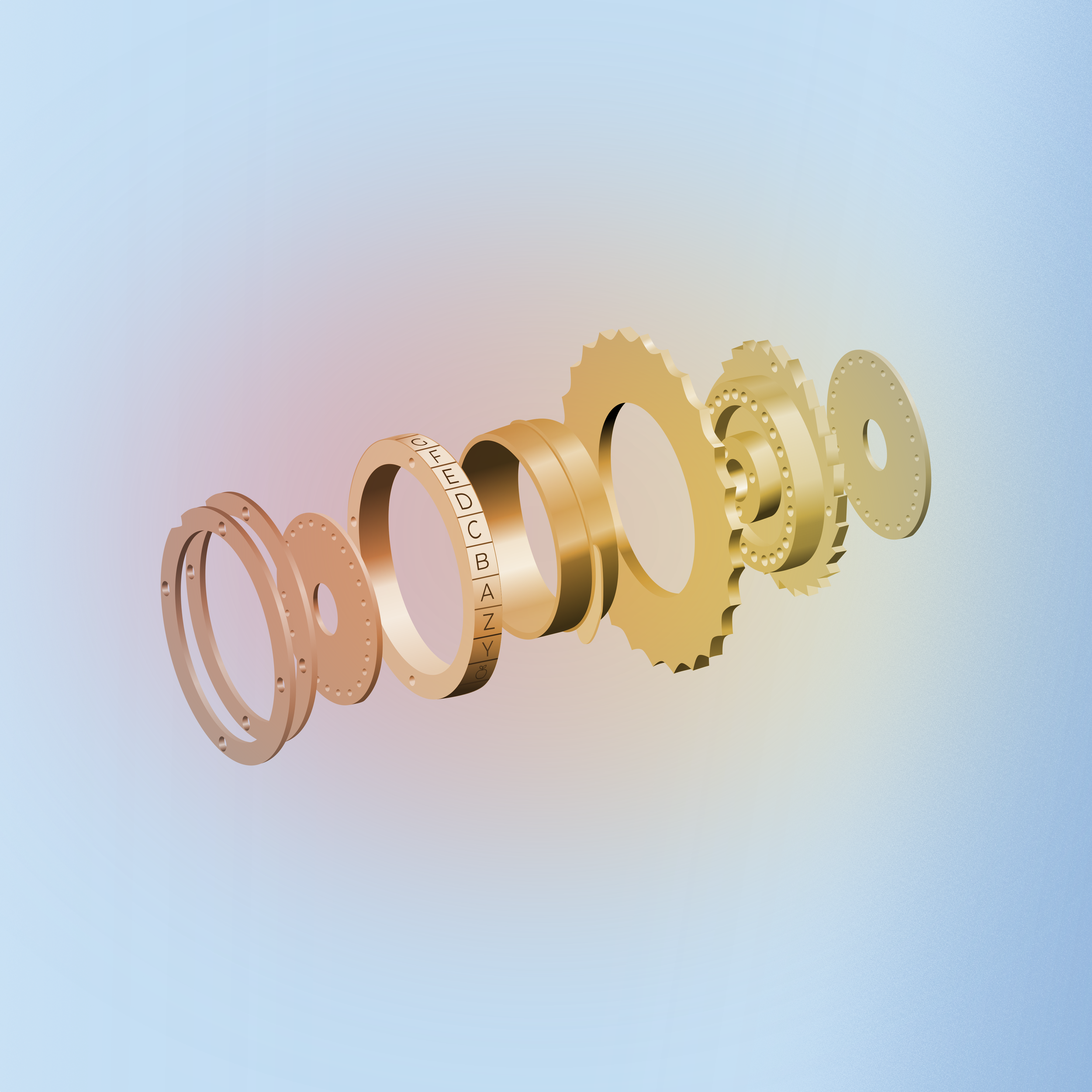
And with that the wallpaper was completed! The day wallpaper got a light color with the same gradient and texture, just in different colors and on the right side.
I hope this offers a thorough, understandable explanation of how this process went. Sharing the process of open-source design is really important and I hope you found it interesting! My job is to foster the development of the fedora wallpaper in a variety of ways. Whether that’s creating it myself, helping an impassioned community member stay on track making visuals, or combining my art with community member’s art, there’s so many ways the final wallpaper can end up!